01
Break it down
Turn a big problem into smaller, easier steps.
Codelarn encourages kids to ask questions, try different approaches, learn from mistakes, and keep going until they find a way forward.
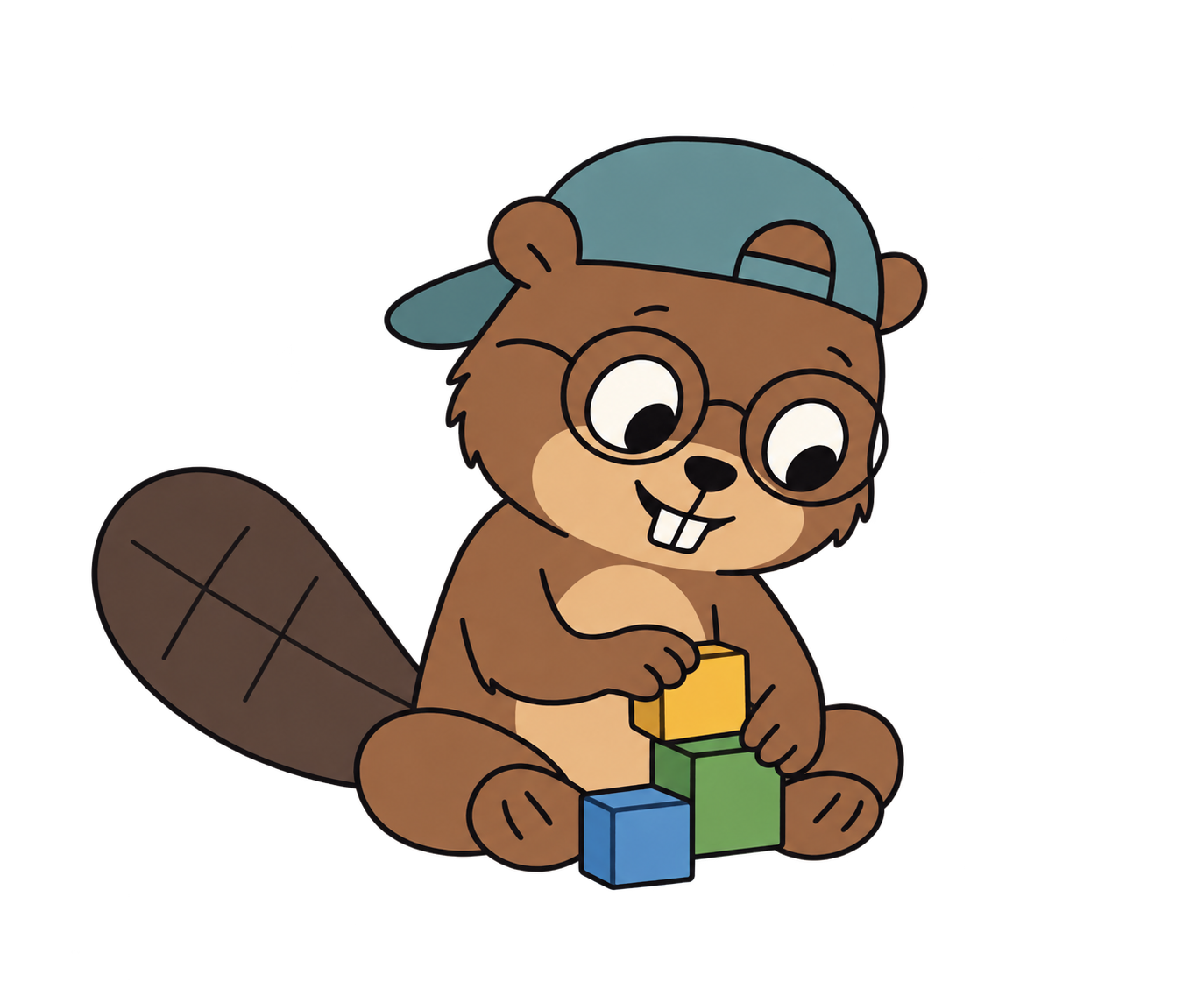
Turn a big problem into smaller, easier steps.
Notice what repeats, what's different, and what matters.
Put an idea into code and see what happens.
Learn from what didn't work and make it better.
An example: there’s a river between your beaver and the workshop. How could you help?
Break the crossing into smaller tasks. Focus on the distance and materials, then put the steps in an order that makes sense.
Look for repeated steps and patterns. Express your plan with a sequence, loop, or function, and predict what it will do.
Run the code. If the result surprises you, look for clues, change one thing, and try again.
Our live Builder course has 20 Python sessions of 70–90 minutes. Explorer (visual blocks) and Creator (Python) are also available now. Choose a pace that gives your child room to think.
More questions? Visit the FAQ →
Join our beaver buddy to explore ideas, test a plan, and solve a challenge, one small step at a time.